Scan, Sign & Share PDFs in Seconds
Scan receipts, contracts, IDs, and notes with automatic edge detection, smart filters, PDF export, and one-tap sharing.

Built for volume, trusted every day.
QuickScan PDF helps students, freelancers, and teams scan faster, process more pages, and share polished PDFs without friction.
50K+
Documents Scanned
Daily scanning for receipts, contracts, notes, and IDs.
30+
Countries Reached
Trusted by users who need reliable PDFs on the go.
Millions
of Pages Processed
Enhanced, exported, signed, and shared in seconds.
Built to feel faster, cleaner, and easier.
QuickScan PDF focuses on speed and clarity instead of clutter.
QuickScan
Others
Precision tools, built in.
Everything you need to capture, edit, and share professional-grade documents from anywhere.
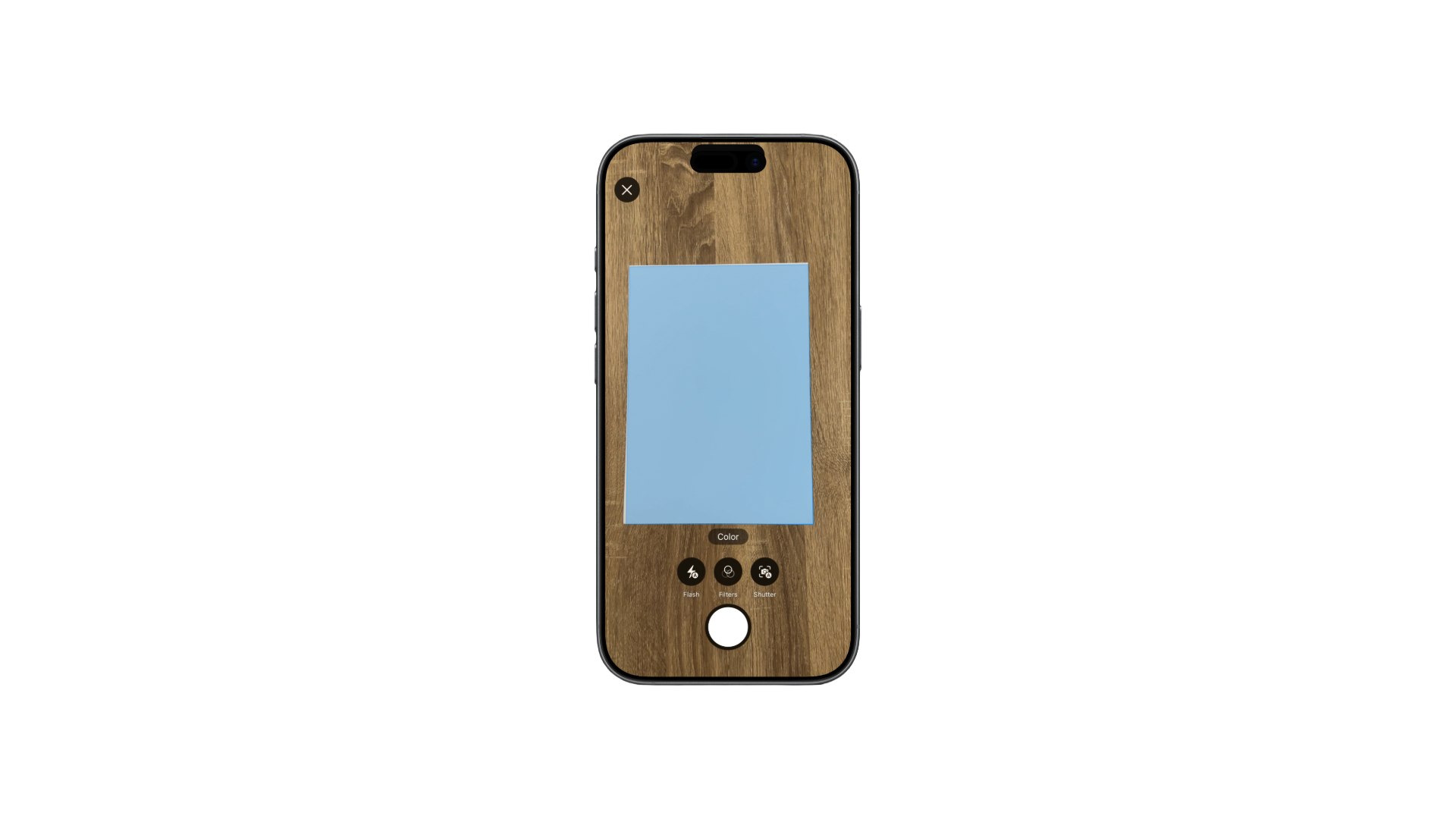
Your Phone Becomes a Scanner
Scan clean, professional PDFs anywhere in seconds.
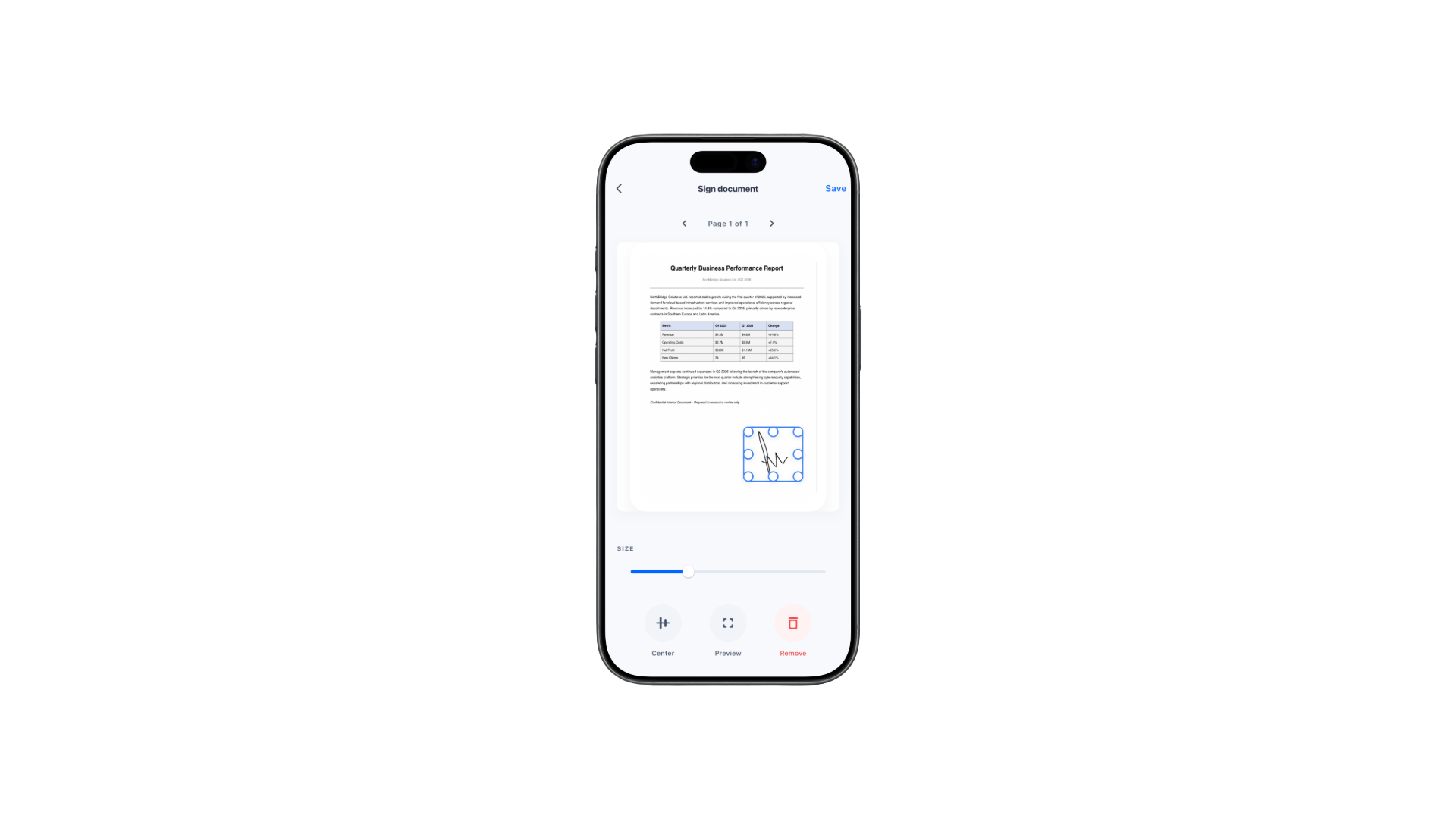
Sign Documents Instantly
Add your signature and send contracts without printing.
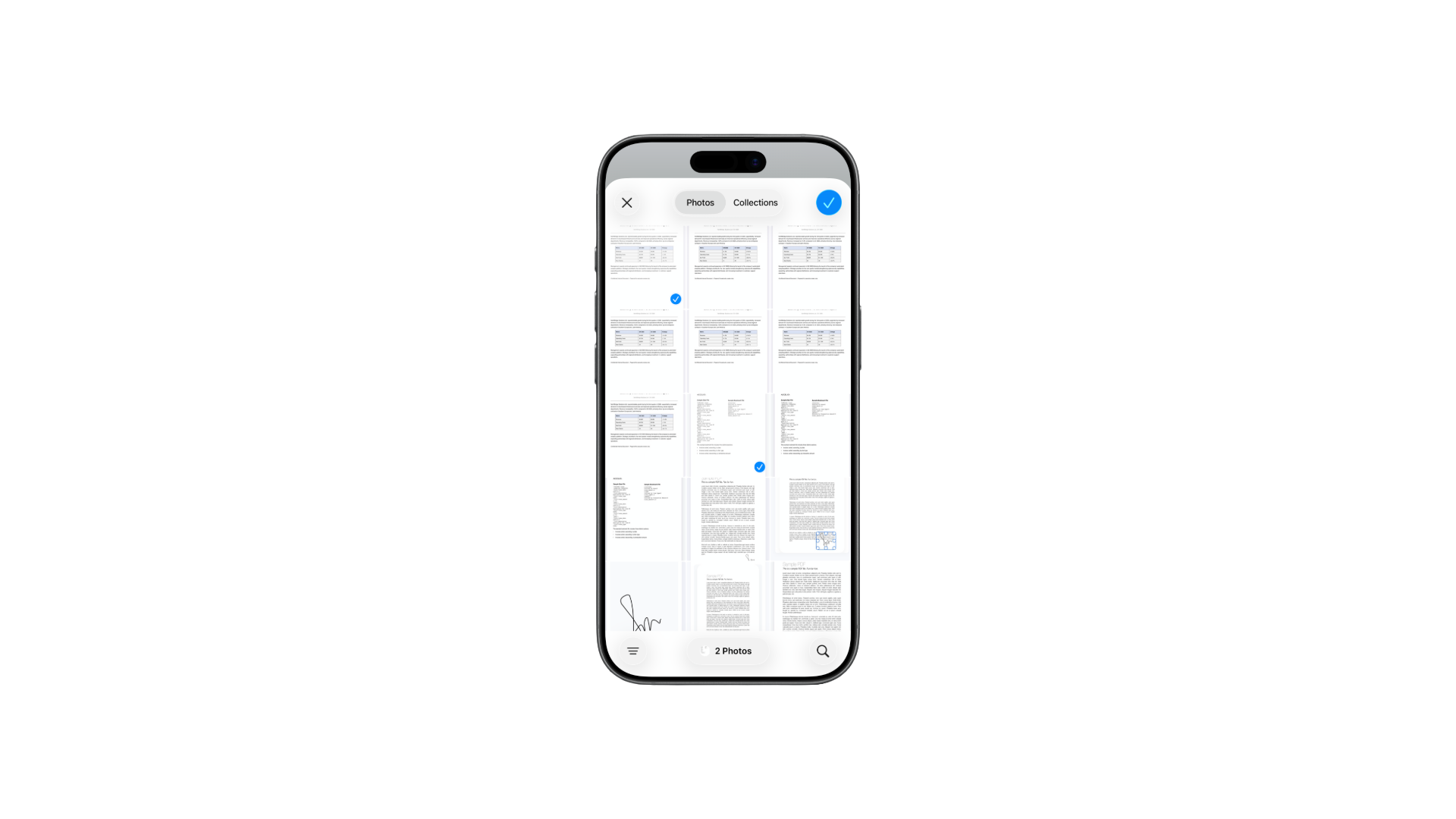
Create PDFs Faster
Turn multiple photos into one organized PDF instantly.
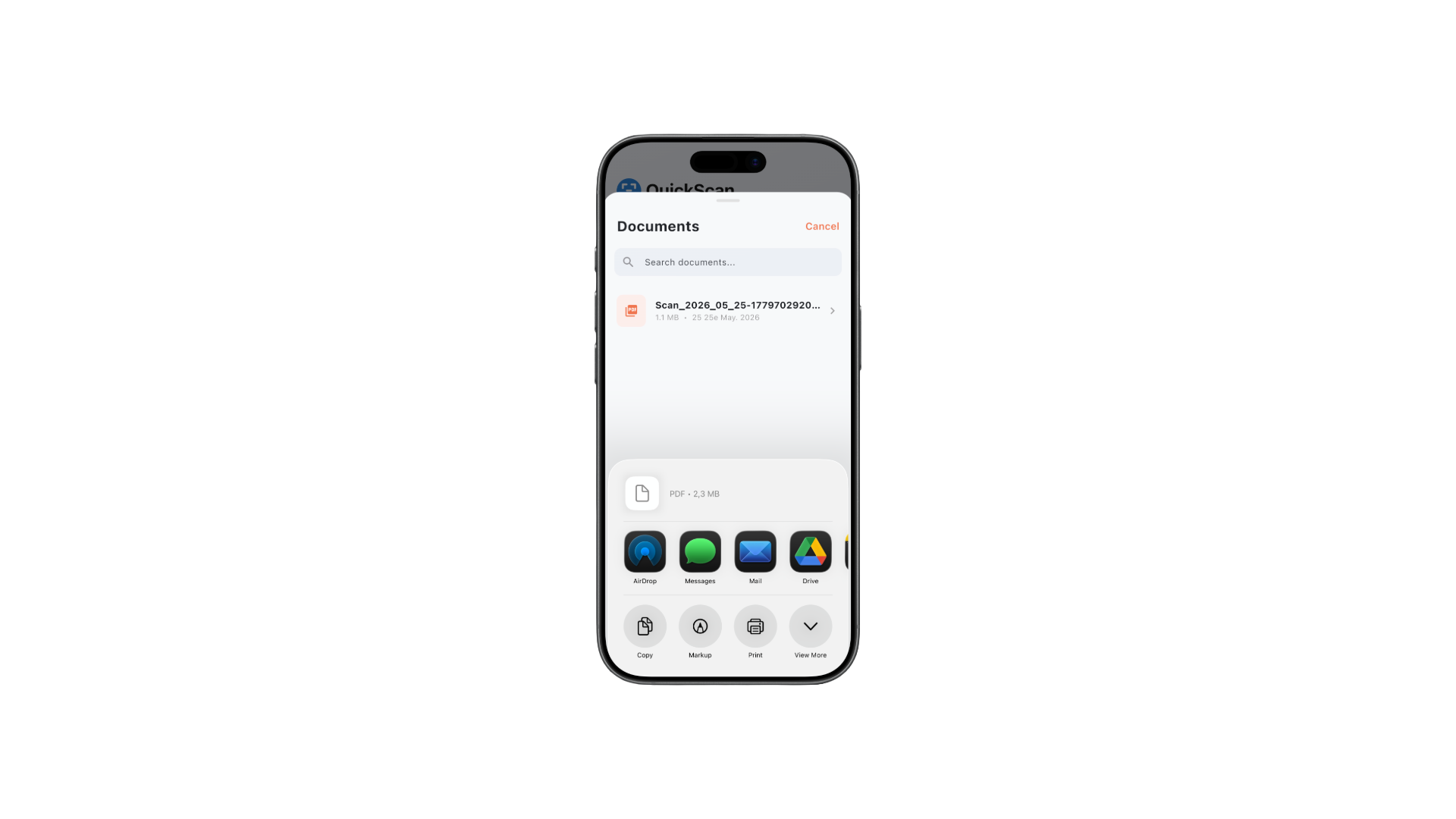
Share in One Tap
Export polished PDFs and send them anywhere instantly.
Perfect For:
Tailored scanning solutions for every professional and personal need.
Students
Scan notes and assignments instantly.
Freelancers
Handle contracts and invoices on the go.
Remote Workers
Digitize workspace documents easily.
Small Businesses
Track inventory and receipts flawlessly.
Travelers
Keep digital copies of IDs and tickets safe.
Frequently asked questions
Quick answers about scanning, exporting, and sharing with QuickScan PDF.
What can I scan?
Receipts, invoices, IDs, contracts, class notes, and most paper documents with automatic edge detection.
Can I export as PDF?
Yes. You can scan, enhance, and export documents as shareable PDF files directly from your phone.
Can I sign and share documents?
Yes. QuickScan PDF includes digital signing and fast sharing so documents can be sent right after scanning.